AWS
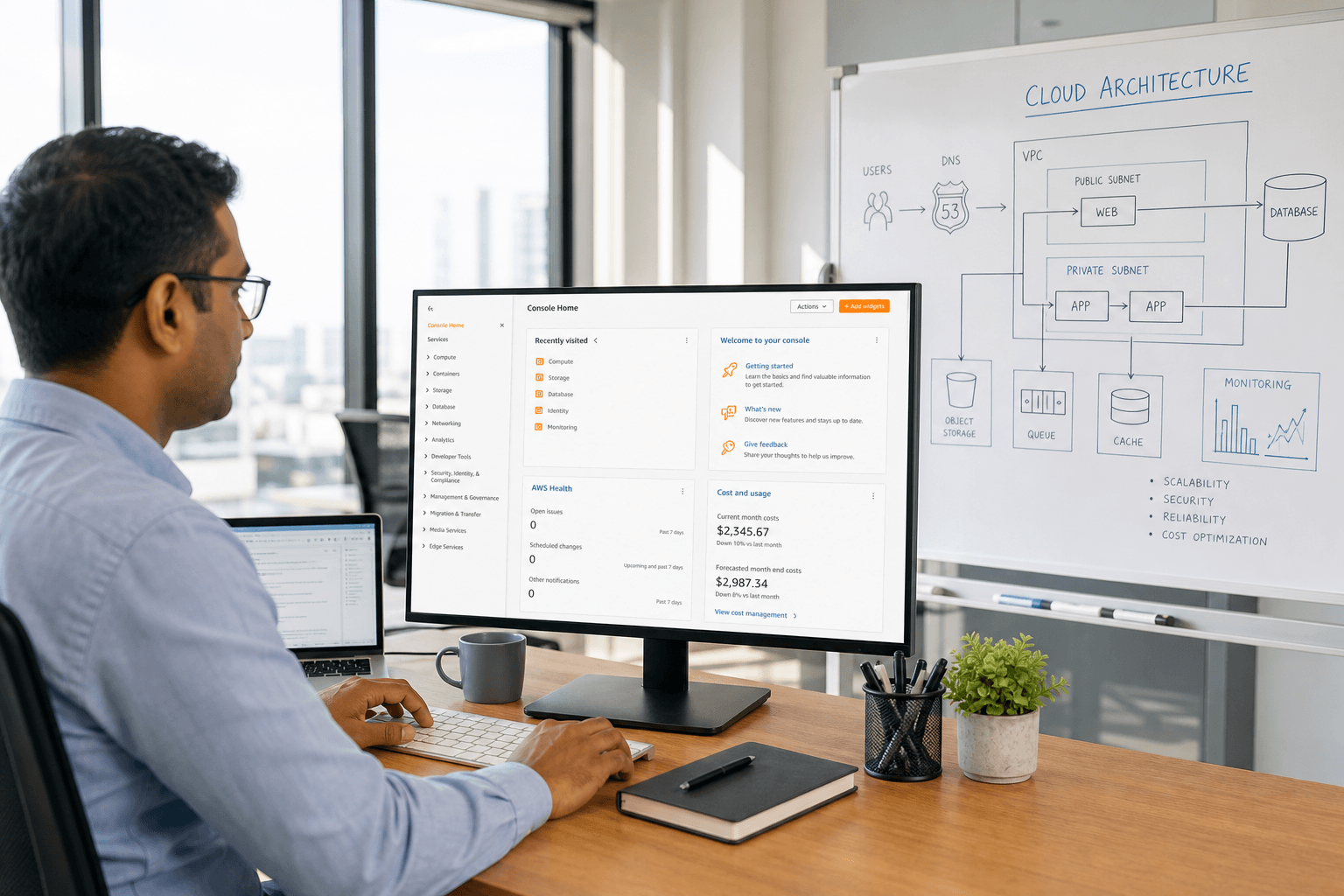
AWS is how we put Node.js APIs, Next.js sites, and React apps into production — network, compute, data, files, SSL, backups — documented so you can operate them.
- Production Hardened
- SSL & Backups
- Documented Handoff
What we set up
An AWS environment with least-privilege access, backups, and a deploy path from your repo to production.
Account Hardening
IAM, billing alerts, and least-privilege access from day one.
Network & SSL
VPC, security groups, and HTTPS on your domain.
Compute & Data
EC2, RDS, S3, and caches sized for your traffic.
Deploy Path
Docker or PM2 deploys from git to staging and production.
Env Isolation
Staging vs production kept separate — secrets out of chat.
Backup Drills
Snapshots and restore tests before you rely on them.
End-to-End Delivery Lifecycle
From core build and cloud deployment to creative launch assets — every milestone under one contract.
02. Deployment & Cloud Cutover
03. Launch Assets & Automation
Frequently Asked Questions
Clear details on scope, stack ownership, credential handling, and post-launch support.
We already have an AWS account. Can you fix it?
Yes. We audit access, networking, backups, and cost, then stabilize before adding more services.
Is AWS always required?
No. Many Laravel and PHP products are healthier on a well-run VPS or cPanel. We recommend AWS when scale, isolation, or global delivery needs it.
Will you harden an existing account?
Yes. We review IAM, billing alerts, network rules, and backups before adding new workloads.
Do you document the handoff?
Every delivery includes access notes, env maps, and restore steps so your team is not guessing after we leave.
Can you keep staging separate from production?
Always. Secrets, data, and deploy targets stay isolated — chat is never the source of truth for credentials.
What about monitoring and alerts?
We wire basic uptime, disk, and deploy alerts into channels you already use, then tune thresholds with you.